Übersetzungshinweis
Leider war es uns noch nicht möglich, diese Seite für Sie auf Deutsch zu übersetzen. Wir zeigen daher stattdessen die englischsprachige Version der Seite und bitten um Verständnis.
Error codes#
When pretixKIOSK is out of service, it shows an error screen like this:
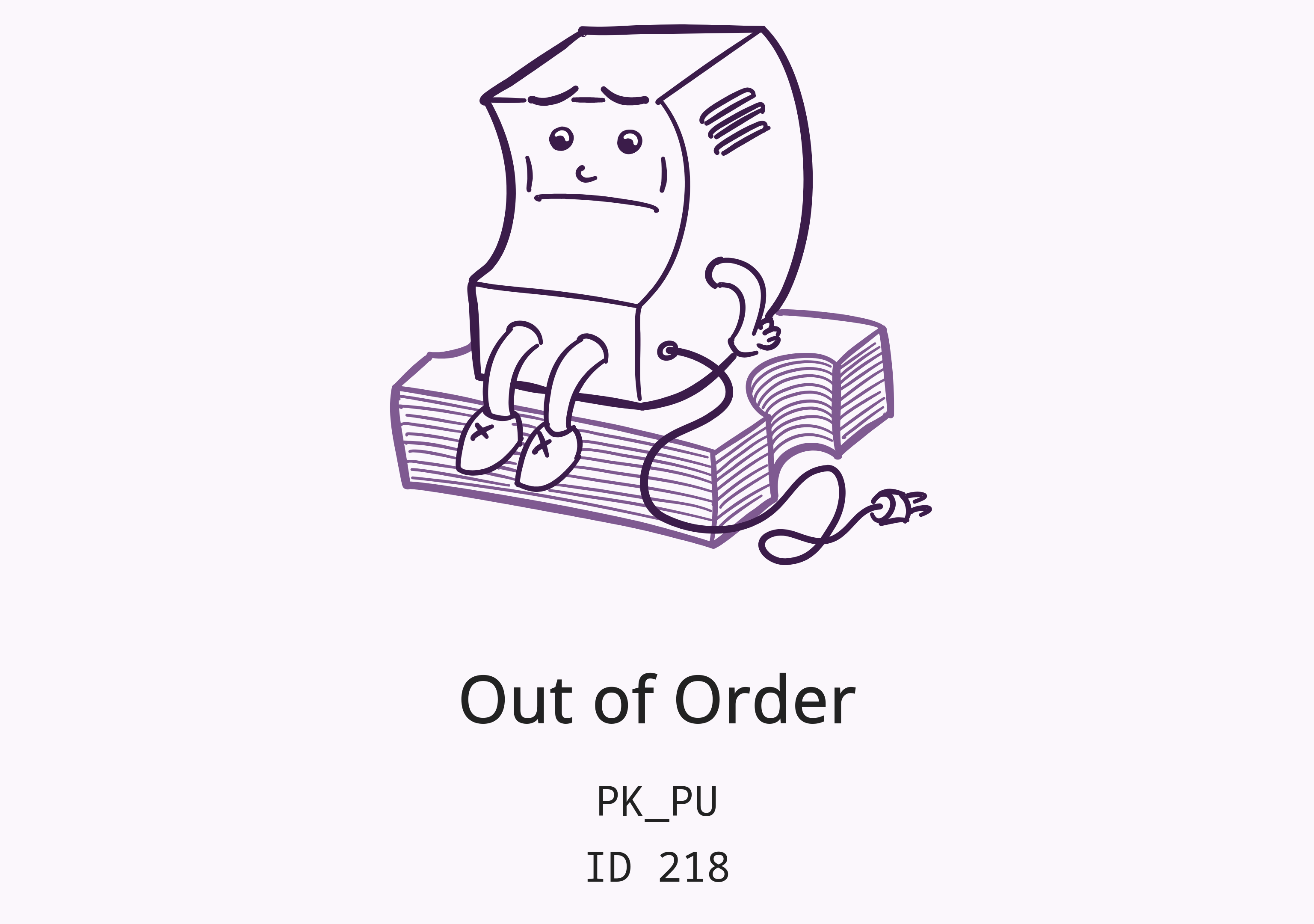
The first line, is an error code that you can find in the table below. The second line, is the ID of the device within your organizer account.
| Error code | Meaning | Recommendation |
|---|---|---|
| No internet / server connection | Check internet connection of kiosk | |
| No payment method available | Check logs of kiosk server component for payment errors, restart payment terminal | |
| Manually out of service | Open service menu and disable "out of service" mode | |
| Service mode enabled | Open service menu and disable service mode | |
| Bill deposit mode enabled | Open service menu and continue or quit bill deposit operation, or wait for timeout | |
| Coin deposit mode enabled | Open service menu and continue or quit coin deposit operation, or wait for timeout | |
| Hardware abstraction layer is deactivated | Check hardware manufacturer's service interface | |
| Hardware abstraction is being initialized | Wait for initialization to complete or check log files | |
| Hardware abstraction layer disconnected | Check if hardware manufacturer's software is running | |
| Hardware fault | Check hardware manufacturer's service interface | |
| Power lost (USV mode) | Ensure power is reconnected | |
| Printer unavailable | Check printer names in configuration and printer availability in the operating system | |
| Printer disabled | Check logs, open service menu and restart printer connections | |
| Printer fault | Check printer functionality, open service menu and restart printer connections | |
| Printer out of paper | Refill paper |